This template uses custom fonts.
See the demo and find the detailed guide to connecting fonts at the bottom of the page.
See the demo and find the detailed guide to connecting fonts at the bottom of the page.
(photographer)
Svetlana Mak —
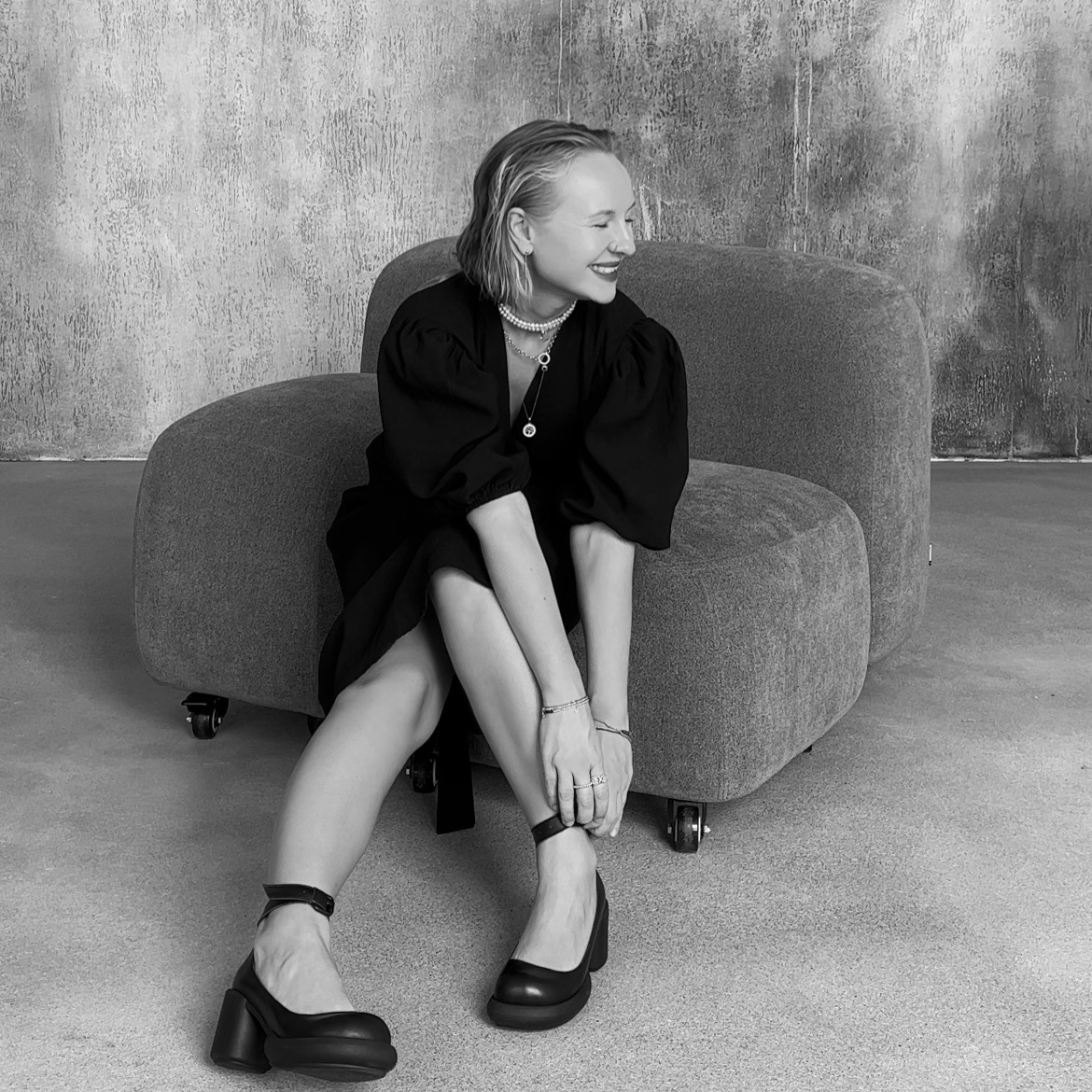
Привет! Я Светлана Мак — фотограф с опытом более 15 лет. Создаю чувственные женские портреты, художественные nude съёмки, fashion съёмки и визуальные концепции для брендов. Сейчас снимаю в Тбилиси и Батуми.
Experience
2008——2026
Выпускница Московской школы фотографии и мультимедиа имени Родченко с 15-летним профессиональным опытом в фотографии и визуальных искусствах. Создательница фотошколы «Российская академия фотографии», авторка образовательных программ. В профессиональном портфолио — сотрудничество с международными изданиями, публикации в журналах и рекламные кампании для брендов в разных странах.
15+
Years of Experience
9
International Markets
7
Countries for Campaign Shoots
1
Photography School Founded
Cases
Outdoor photoshoot
INDOR Photoshoot
Nude photoshoot
Gallery (outdoor)
25+






















































Gallery (indoor)
25+








































































Gallery (nude)
25+



























































Price
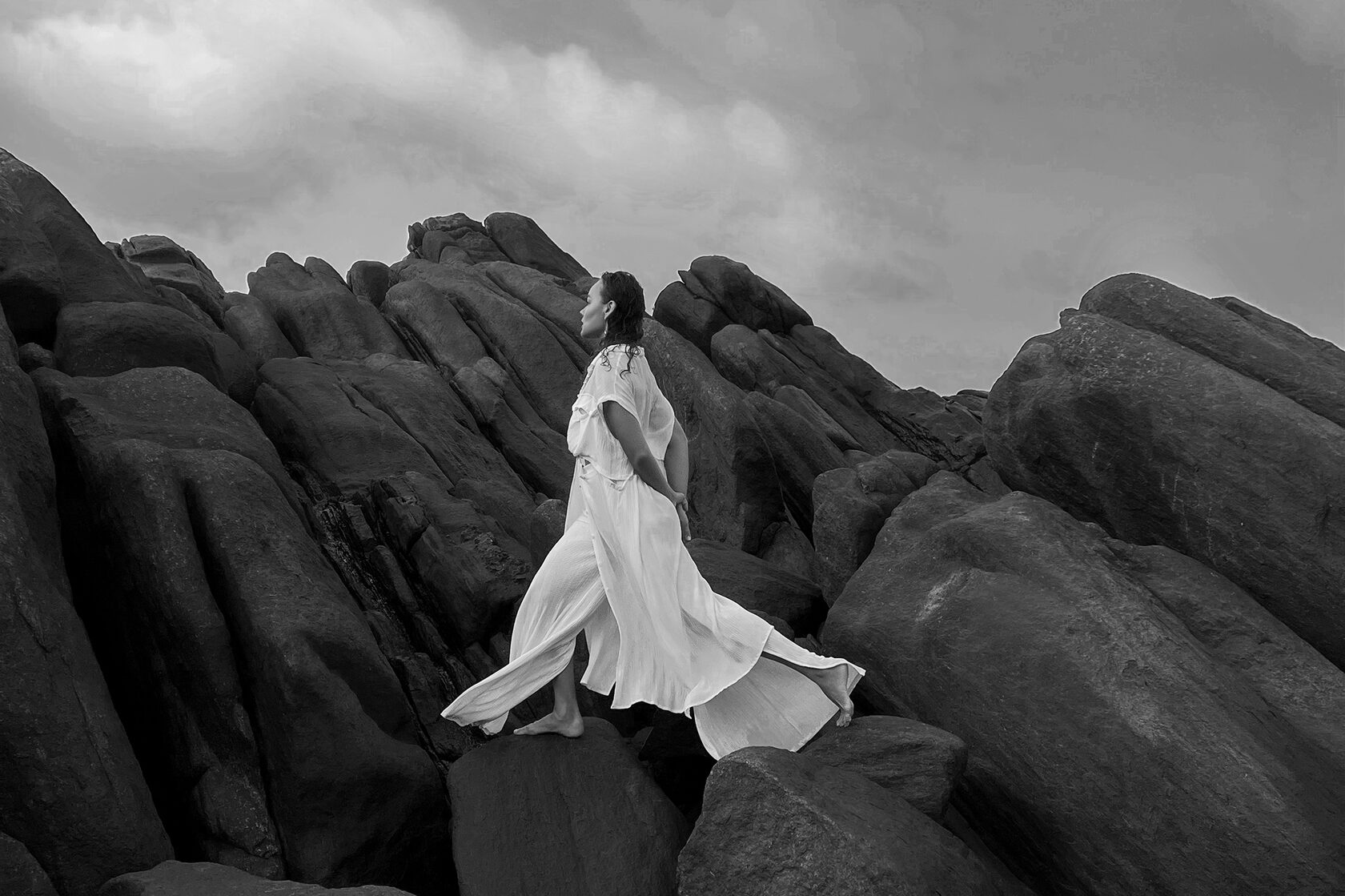
format
private session
duration
60 min
result
all original photos + 25 pro retouched images
price
$140 / 350 gel / 12,000 ₽
Я Светлана Мак — фотограф с опытом более 15 лет. Создаю чувственные женские портреты, художественные nude съёмки, fashion съёмки и визуальные концепции для брендов.
All photo and video materials from free resources unsplash.com belong to their owners. The case study examples feature works by designer Anton Komandin. All photographs, texts, and business descriptions are fictitious. Please don’t use the template content for commercial purposes.
Template created by Anton Komandin
Attention!
This template requires custom fonts. Set them up manually before using this template.
Heading font: Inter Tight
Body text font: Inter Tight
How to connect fonts:
1. Go to Site settings → Fonts and Colors → Basic Fonts
2. Choose Inter Tight as Heading and Body Text Family Name
3. In the page editor, update fonts for each block. See the template demo as a reference: https://designer-portfolio-template.tilda.ws/
Learn more about setting up custom fonts:
https://help.tilda.cc/fonts
This template requires custom fonts. Set them up manually before using this template.
Heading font: Inter Tight
Body text font: Inter Tight
How to connect fonts:
1. Go to Site settings → Fonts and Colors → Basic Fonts
2. Choose Inter Tight as Heading and Body Text Family Name
3. In the page editor, update fonts for each block. See the template demo as a reference: https://designer-portfolio-template.tilda.ws/
Learn more about setting up custom fonts:
https://help.tilda.cc/fonts